
Product
How Unspar writes an article.
Unspar plans the article, looks the topic up and writes it in your voice. It can also update the articles you already have, translate them and suggest what to write next.
New articles
How do I start an article?
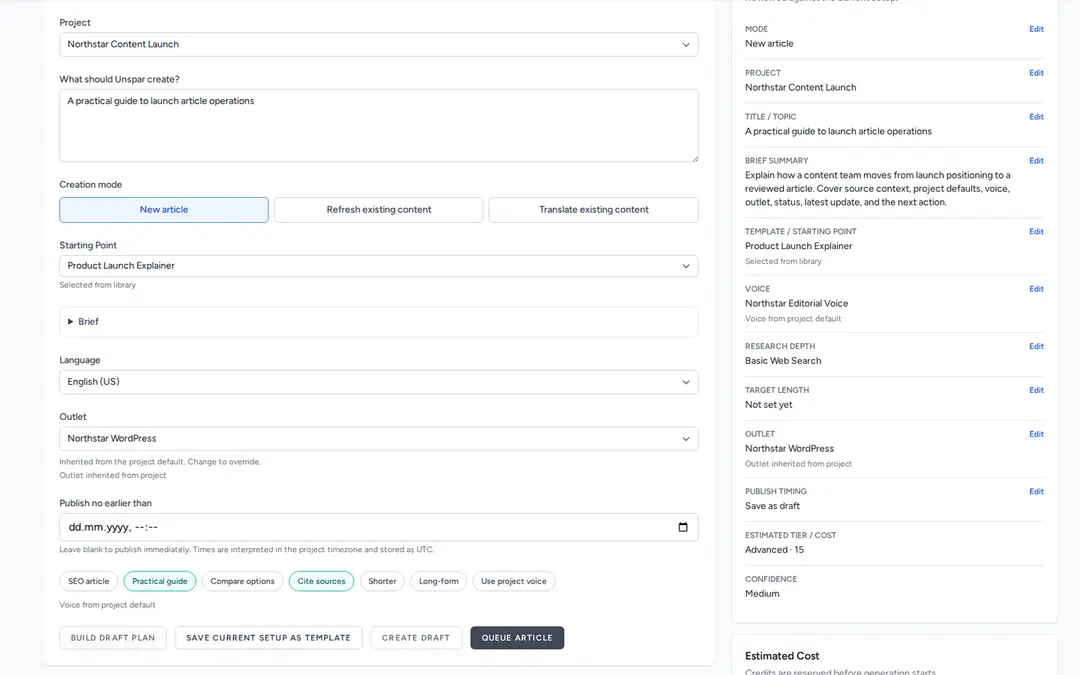
Tell Unspar what the article should be about. A title is enough, and so is a question a customer asked you. If you already have a brief, some links or a page to start from, give it those too.
Before anything gets written, Unspar shows you its plan for the article, section by section. You can move sections around, rename them or throw them out, and changing the plan costs nothing. It writes blog posts, SEO pages, guides, white papers and product texts.
Old articles
What about the articles I already have?
Give Unspar an old article as text, as a file or as a link, and tell it what bothers you about it. It keeps the facts and links that still hold and rewrites the rest with current sources.
You can put the old and the new version side by side before you decide. If a whole part of your site is out of date, you can send all of those articles at once.
Translations
Can it write in other languages?
Yes. Unspar translates your articles and keeps the headings, the sections and your voice.
Someone who speaks the language still reads the article before it goes out, but they don't have to translate it from scratch. You can translate many pages at once.
Voices and templates
How does Unspar know how I write?
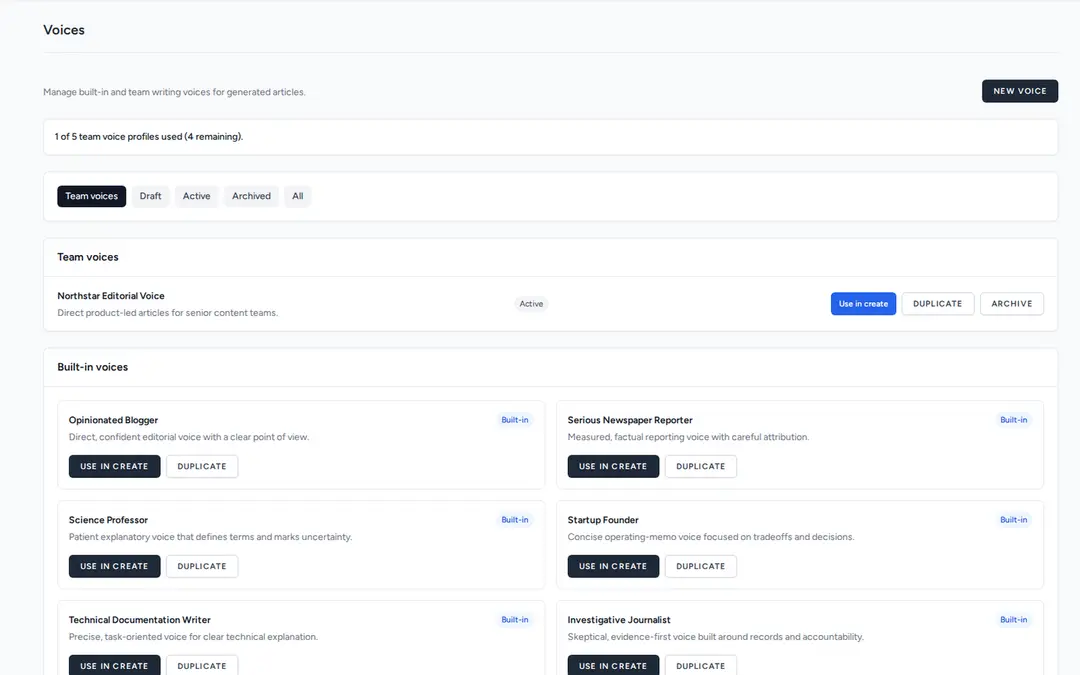
You give it a voice. That can be a ready-made one, like a practical product voice, a founder voice or a technical voice, or one Unspar builds from texts you wrote yourself.
Voices
You can have one voice for your brand, another for a product and another for a group of customers. Unspar writes the whole article in the voice you pick, from the first sentence to the last.
Templates
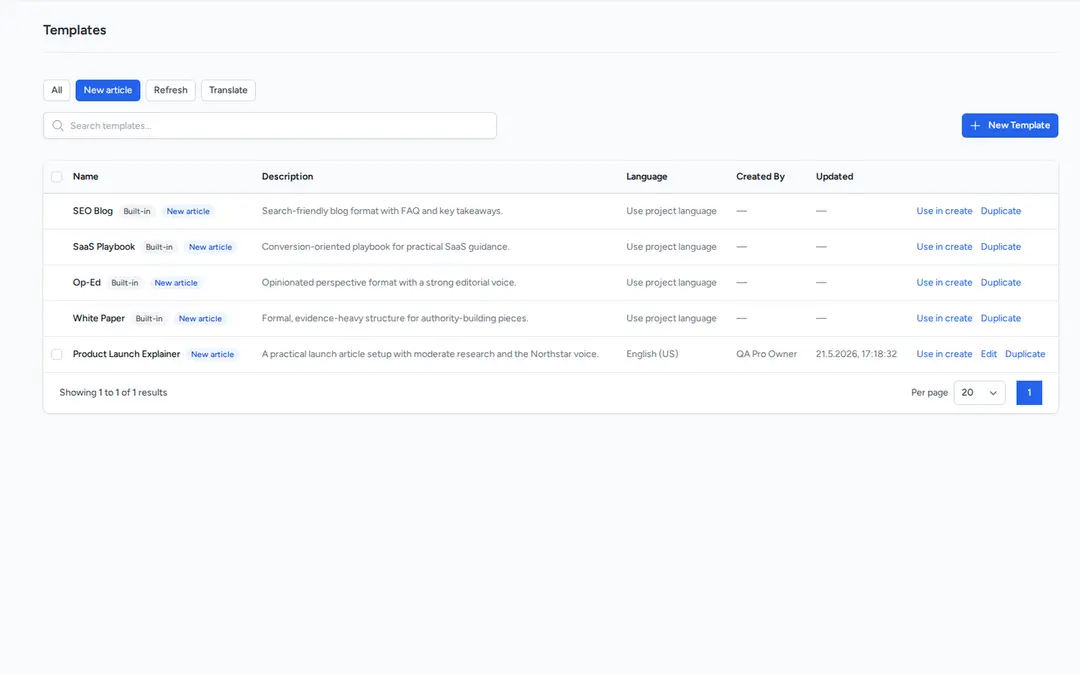
A template is for articles you write again and again, like product comparisons or how-to guides. It remembers the kind of article, how it is structured, how long it should be and how much research goes into it.
Ideas
What if I don't know what to write about?
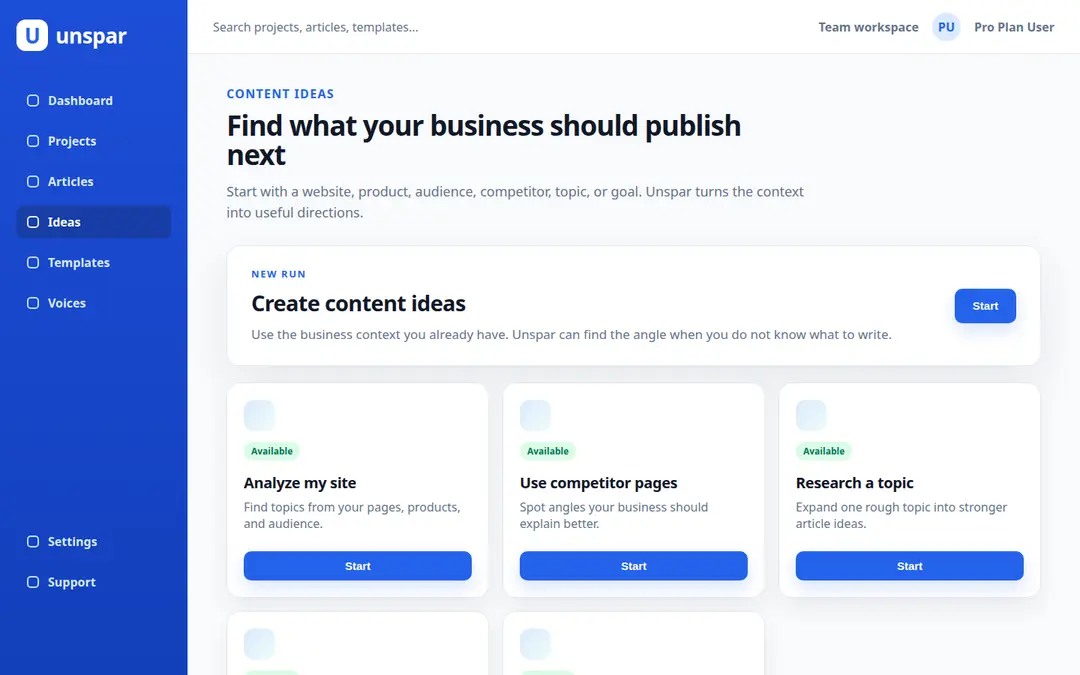
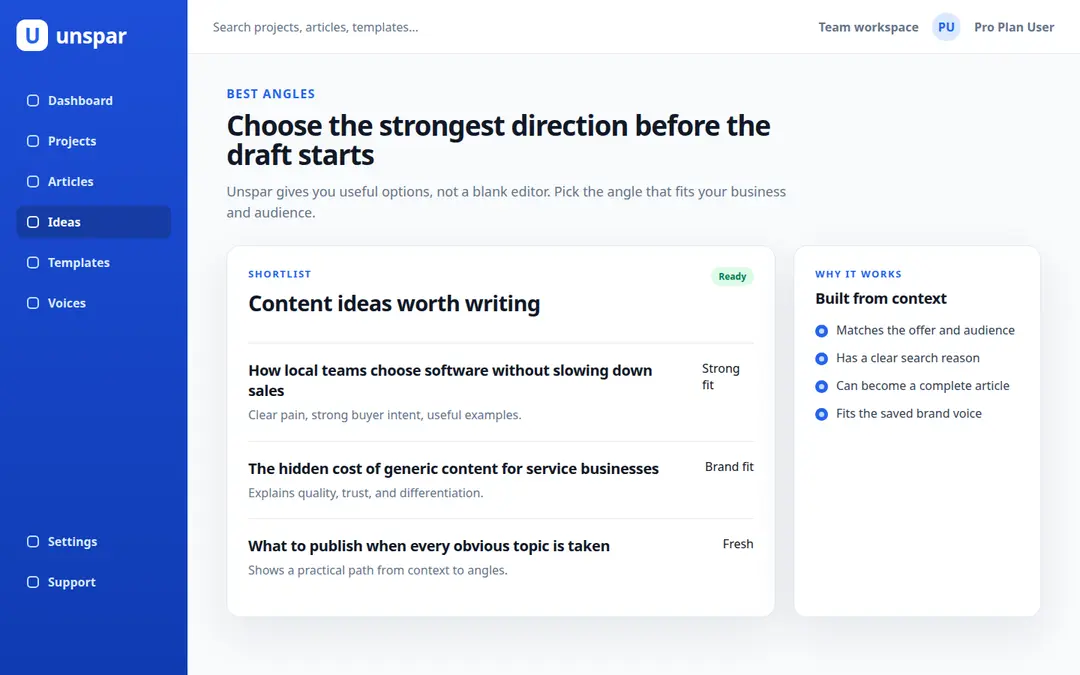
Unspar looks at your site, your products, your readers and your competitors and comes back with a list of article ideas.
Unspar can write all the ideas you keep in one go. A search for ideas costs 1 credit.
The AI agents
Who works on the article?
Four AI agents, and each one has its own job. How much research and editing an article gets depends on the kind of article you pick, from Quick to Flagship, and that also sets the price.
The researcher
Looks the topic up before anything gets written. It reads your own material, other pages and search results. You can switch this off for short pieces.
The author
Makes the plan and writes the article in your voice. It already knows your products, your readers and your competitors.
The editor
Reads the article again. It fixes stiff sentences and makes the hard parts easier to read.
The fact checker
Compares the claims with the sources and adds links if you want them. It also makes sure the editor did not change any facts.
Publishing
How does the article get onto my site?
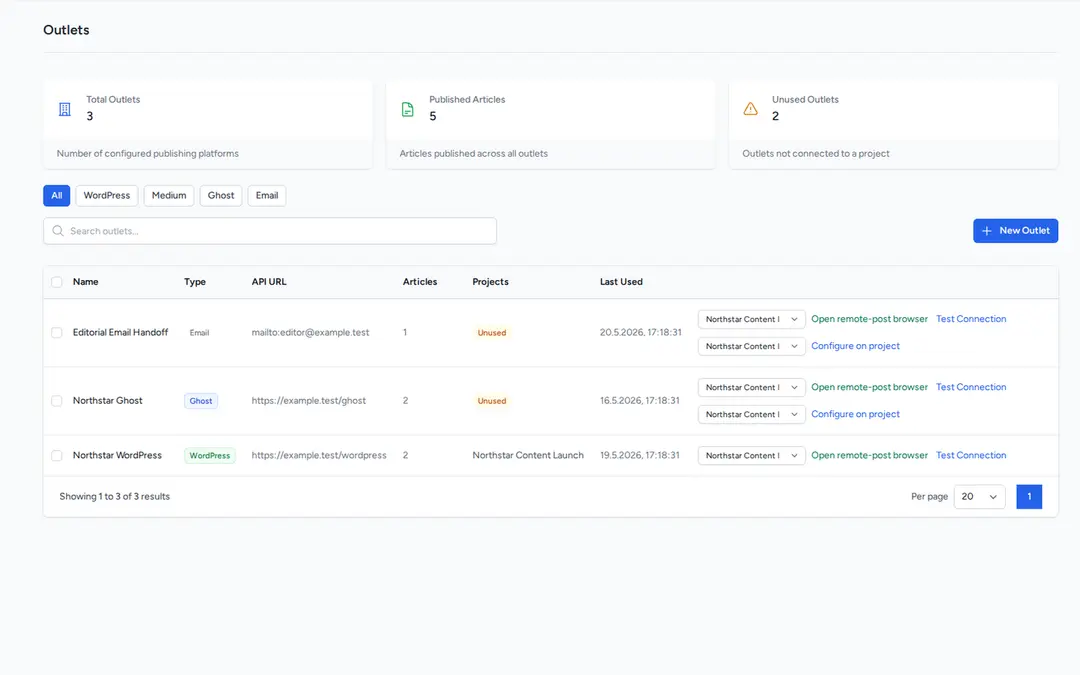
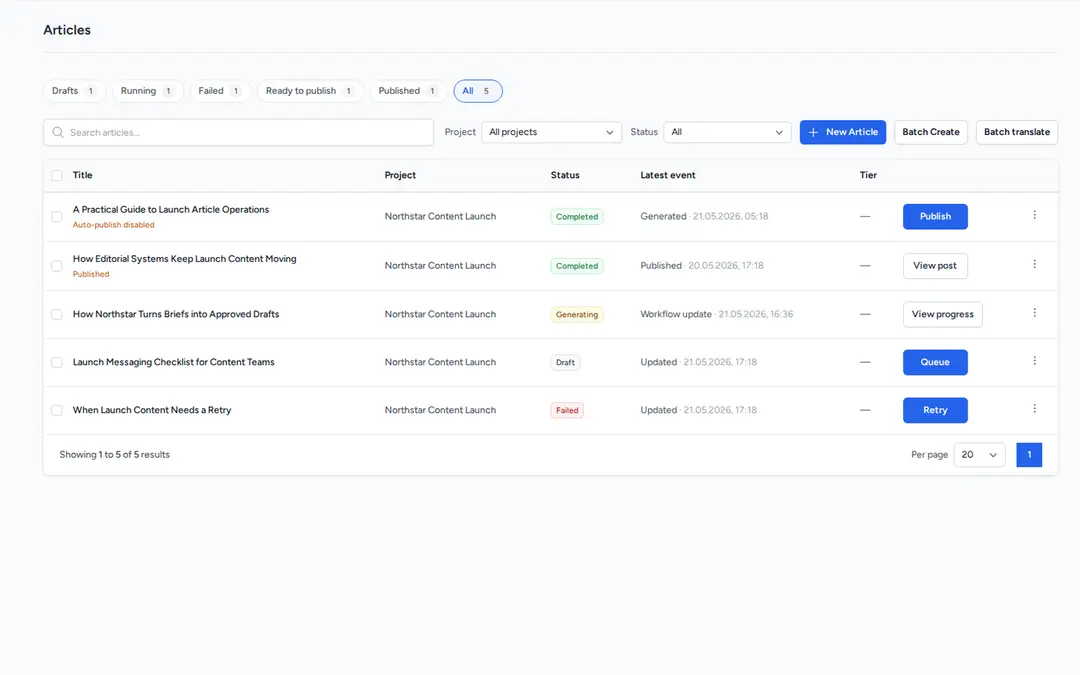
You connect your WordPress or Ghost site once. When you have read the article and you are happy with it, Unspar publishes it right away or on the day you choose.
For any other site, you can export the article or copy the text. If you work with Claude Code, Codex or Cursor, your AI agent can do all of this through the MCP server, the CLI or the API. Read the docs.
Try it for free
Give Unspar the article you have been putting off and see what it writes.